Allowance on your terms
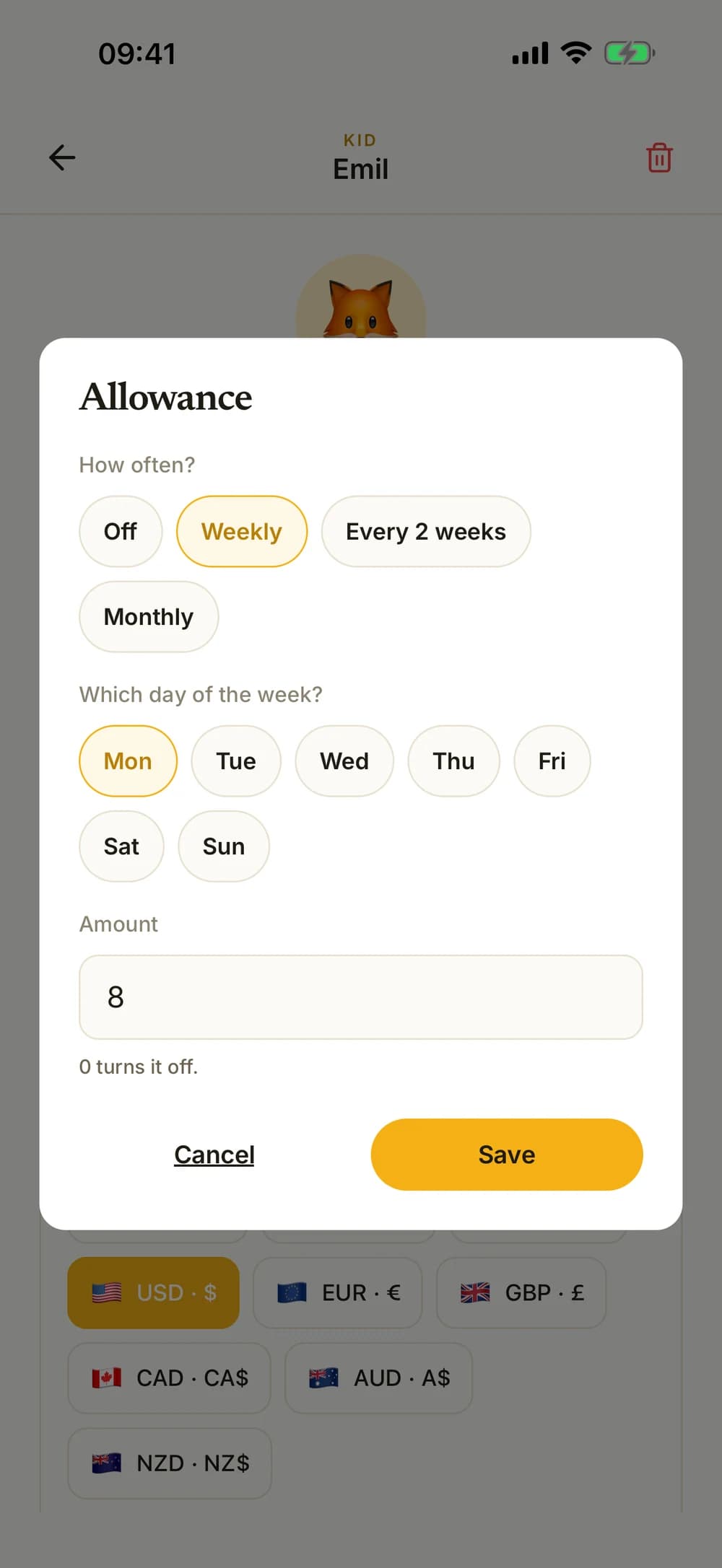
Choose the amount and how often allowance is added. See the next date and adjust your agreement when life changes.
For everyday family life
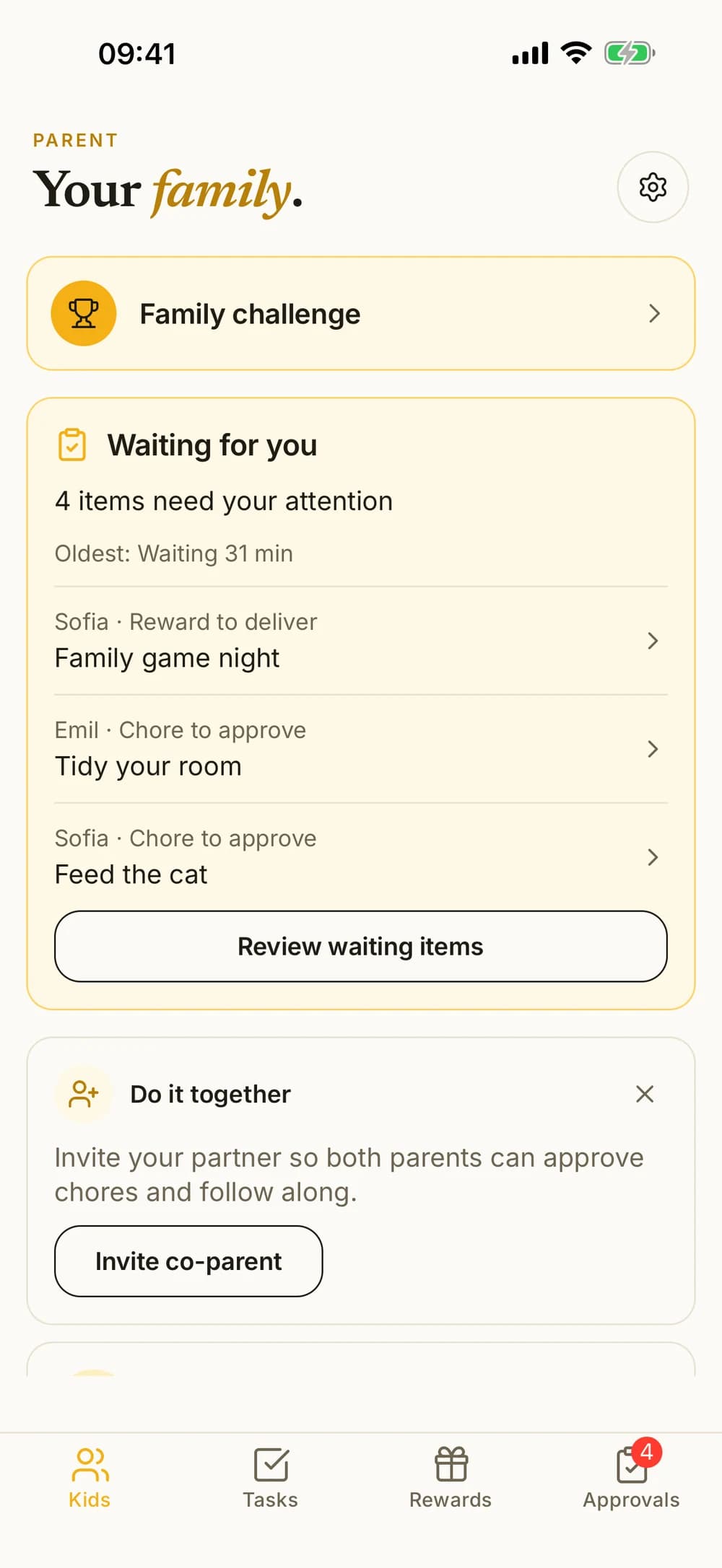
Agree on chores, follow your children's progress, and approve when needed. Keep track of allowance, savings, and rewards you choose together.


Start free with one child and five active chores.
Kroni is a chores and allowance app for families with kids aged 6 to 14. Parents set up chores and approve them. Kids earn virtual coins they can save or spend on rewards the family agrees on. No real money moves through the app, and there is no card or bank link. Kroni is free to download on iPhone, iPad and Android. The free plan covers one child and five active chores, and the Family plan unlocks more kids and chores. Kroni is made by Nilsen Konsult in Norway and is available in English, Norwegian, Swedish and Danish.
How it works
They see what needs doing. You see what needs you.
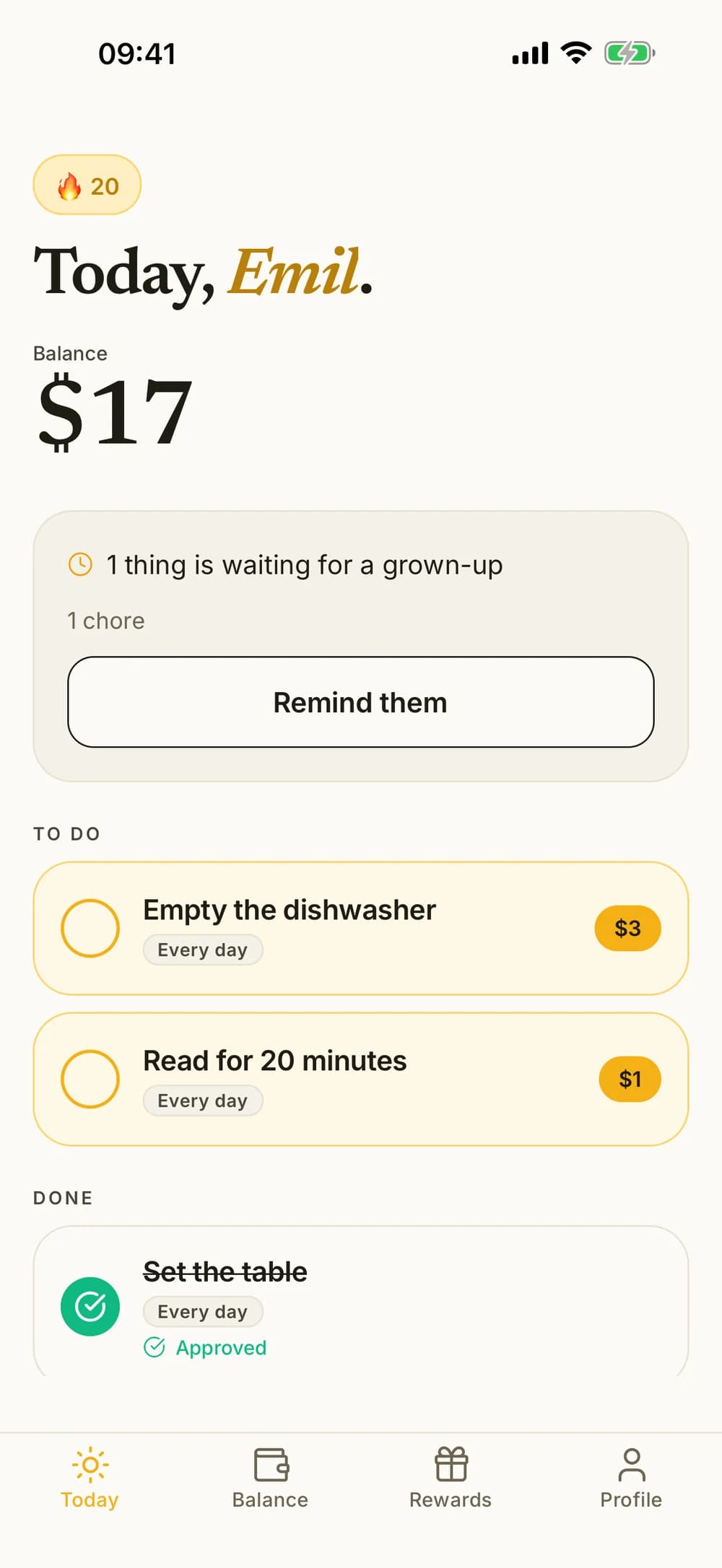
Choose the chores, when they happen, and whether they earn money. You decide which ones need approval.
Today's chores have their own simple view. Work that needs approval waits for an adult.
Approve finished work or send it back for another try. Paid chores add to the balance when approved.
Allowance and savings
Help your child see what they have and what they want to set aside for something bigger.
Choose the amount and how often allowance is added. See the next date and adjust your agreement when life changes.
Children can move money from their balance into a savings goal and watch their progress. Saved money is shown separately.
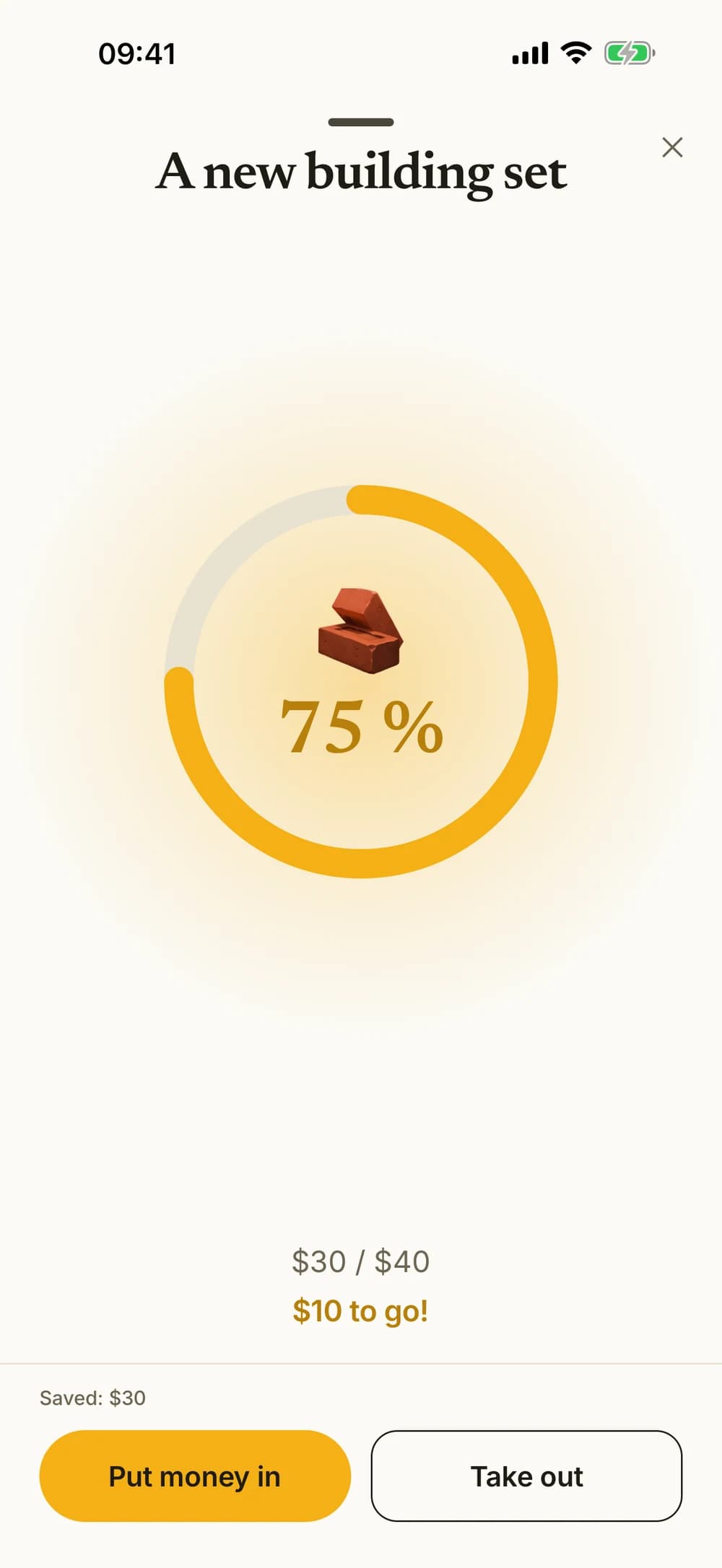
Kroni keeps track. The app does not transfer real money.
Your family's rewards
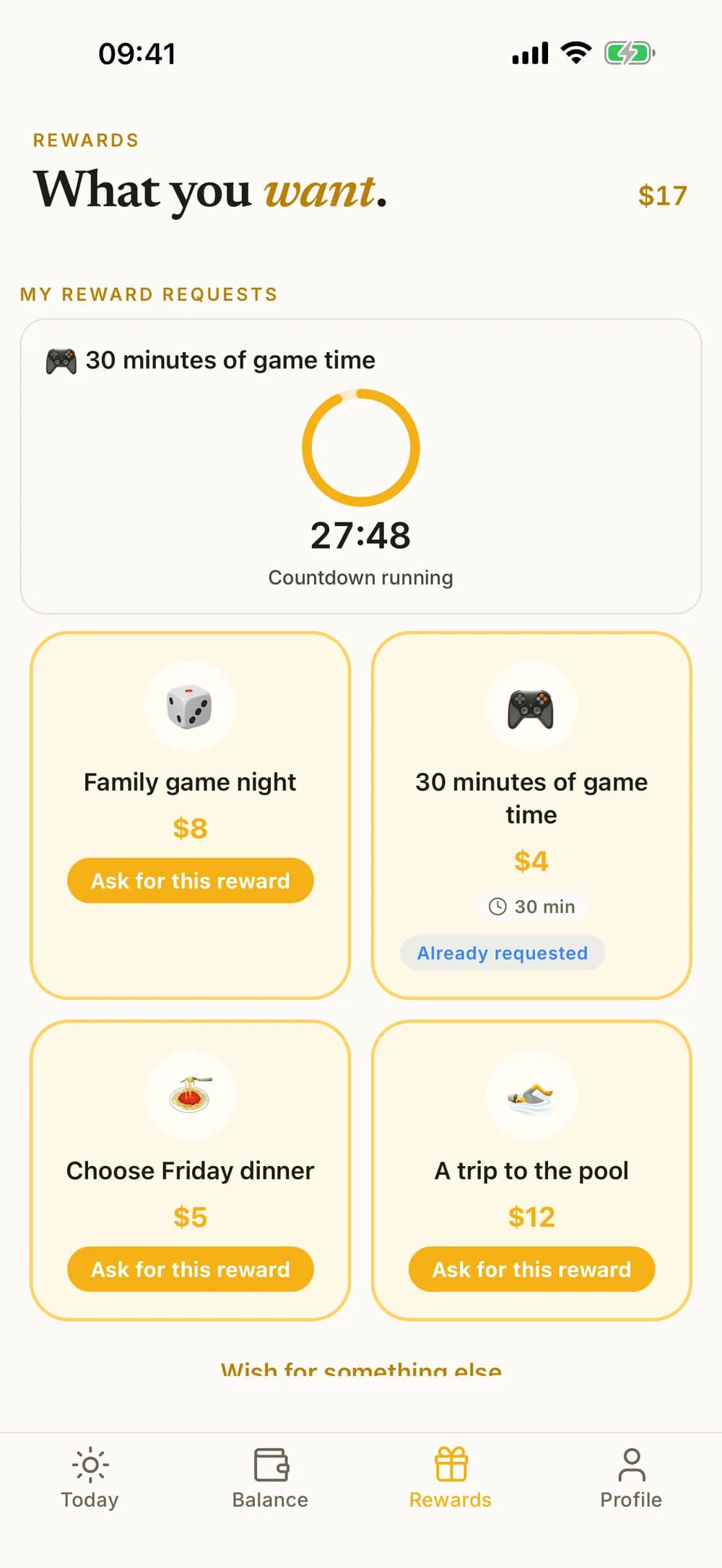
A movie night, an activity, or a little extra game time. Create rewards that fit your family and follow them from a wish to an agreement.
A timed reward can have a countdown. It keeps track of your agreement and does not block other apps.
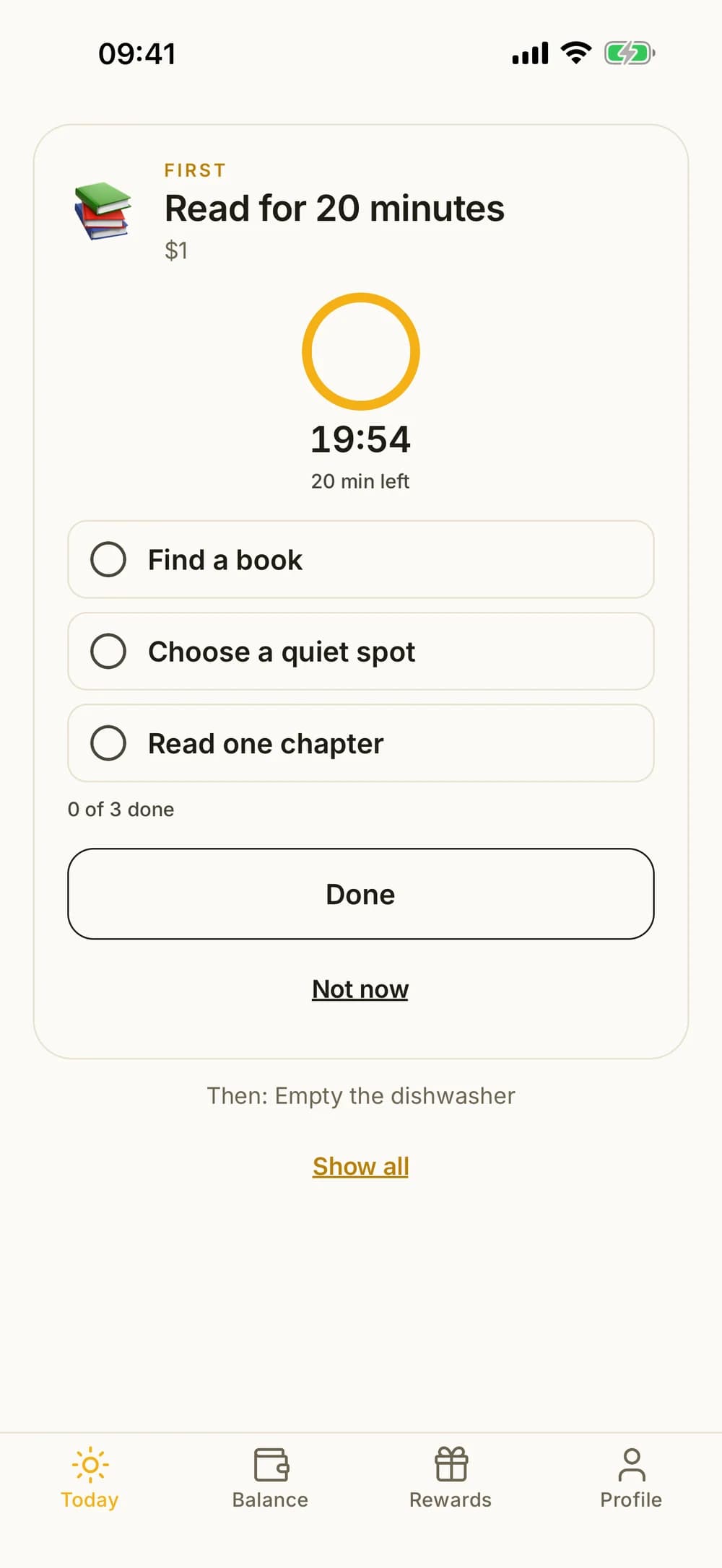
Room for different days
Break a chore into small steps and let your child see one thing at a time in focus mode. Add a calm countdown when it helps.
Recurring or one-off. Paid or unpaid. Choose a schedule for each chore that works for your family.
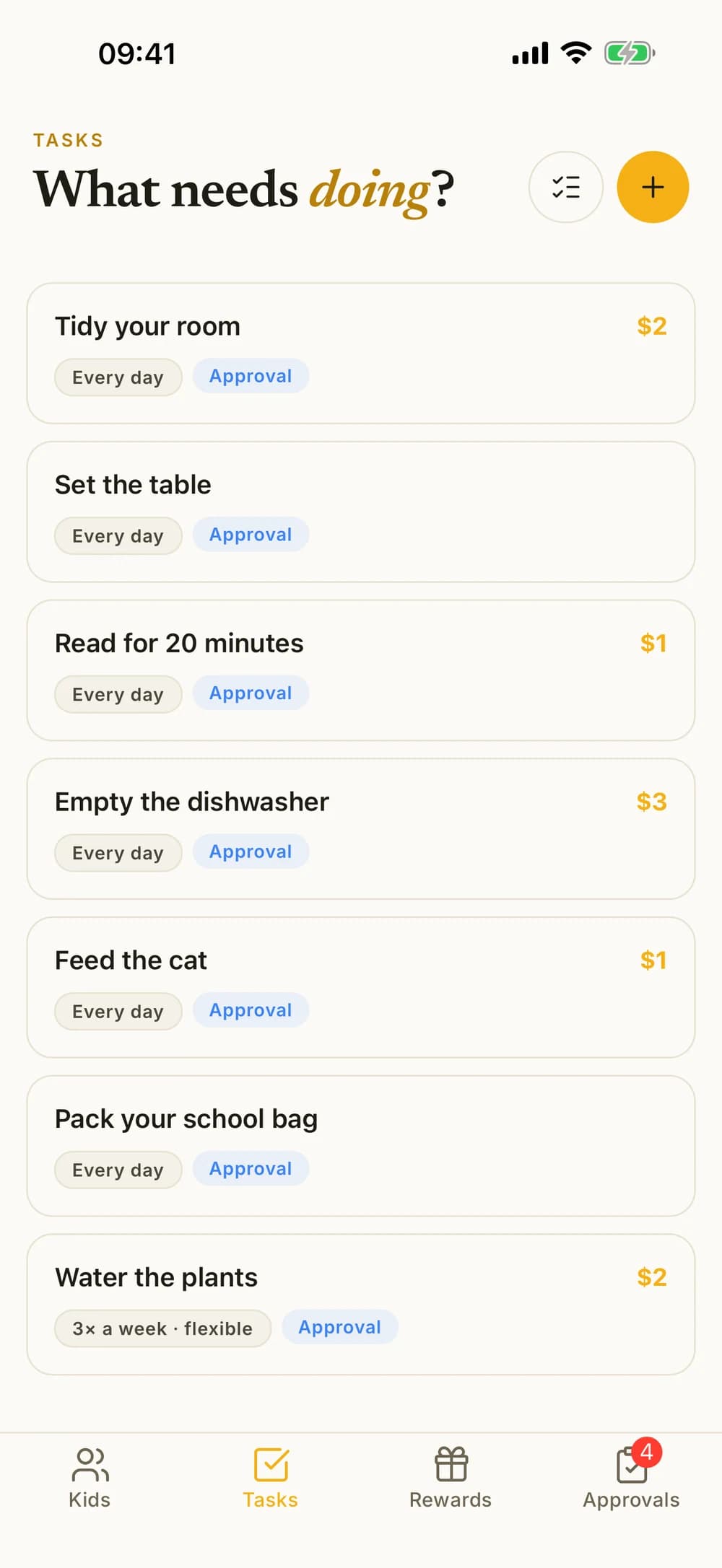
This example shows more than five active chores with Kroni Family.
Together on phones and tablets
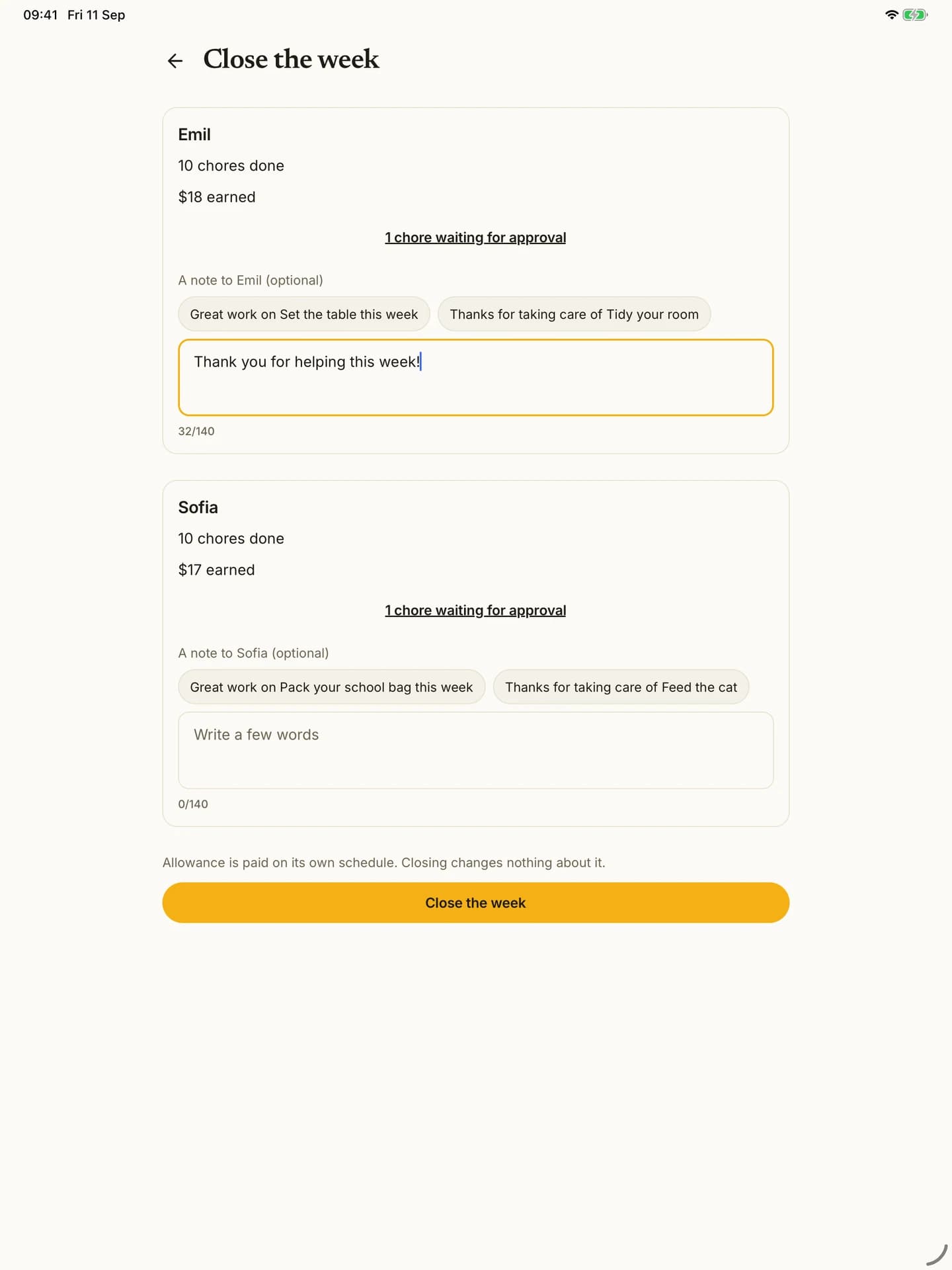
Take a look at the week you've had. See what the children have done, add a little encouragement, and keep the overview.
The example shows more children with Kroni Family. Closing a week does not pay allowance or approve chores.
Free and Family
Try Kroni with one child. Expand when you need more children or chores.
Free
Kroni Family
Included in both
Family is an in-app purchase. Current prices, billing periods and any eligible offers are shown in the App Store or Google Play before you buy.
Good to know
You'll find more help on our support page. You can also write to us directly.
Go to help and supportFrom the blog
Books, bags and water bottles get left in the car. Use this backseat checklist to share out who carries what, pick set spots indoors and do a quick adult check.
Split after-dinner cleanup for kids into three roles with clear handoffs: table, dishwasher and put-away. Includes a filled example and a blank card.
Build a practical allowance agreement for a 12-year-old, with clear spending limits, two household jobs, optional extras, and a weekly check-in.
Download Kroni, add your child, and find one small agreement you'd like to try together.